A practical guide to using OpenAI Codex more effectively, covering prompting, AGENTS.md setup, configuration, MCP integrations, skills, automations, and common mistakes to avoid.

Explore OpenAI's GPT-OSS open-weight models. Learn about gpt-oss-120b & 20b, key features, Harmony response format, installation, and setup instructions.

The gpt-oss series is OpenAI's new family of open-weight models designed for deep reasoning, agentic workflows, and flexible local deployment. Released under an Apache 2.0 license, these models utilize native MXFP4 quantization to run efficiently on accessible hardware. The series introduces the structured Harmony Response Format to split reasoning steps, tool outputs, and final responses into isolated communication channels. There are two variants of these models:
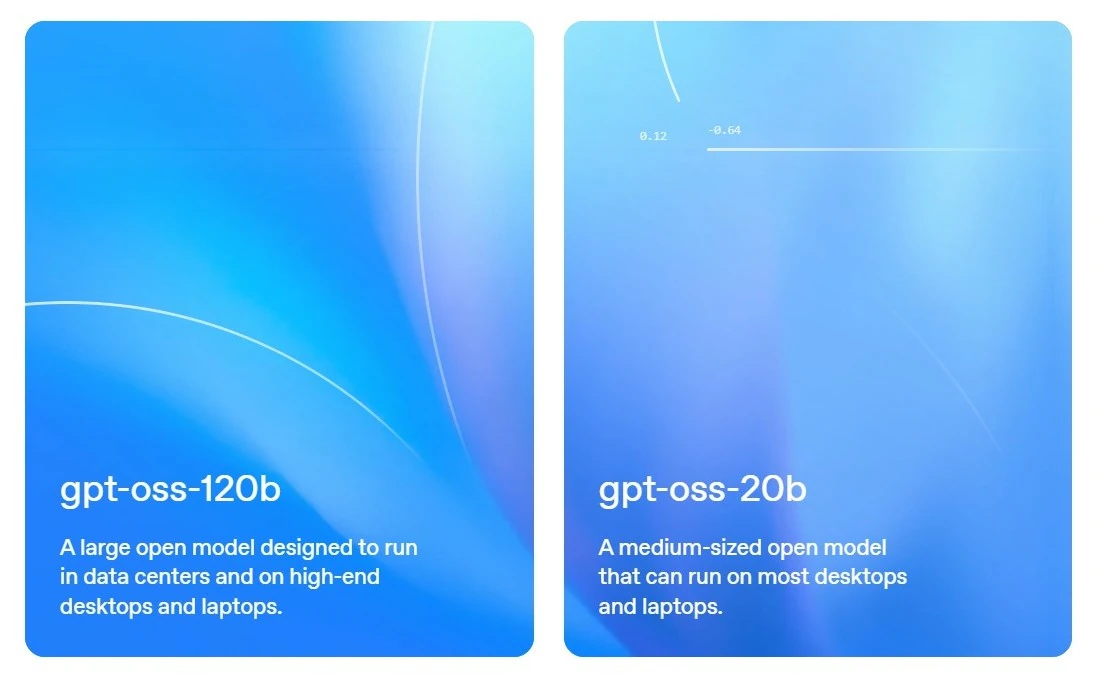
gpt-oss-120b — with 117B parameters with 5.1B active parameters and suits for production, general purpose, high reasoning use cases that fit into a single H100 GPU.
gpt-oss-20b — with 21B parameters with 3.6B active parameters and fits for low latency, and local or specialized use cases.
NOTE
You can try out gpt-oss model on gpt-oss playground.
Apache 2.0 License: Use, modify, and sell your projects freely without legal worries.
Custom reasoning levels: Choose the model reasoning level (low, medium, high) based on your scenario and latency needs.
Full chain-of-thought: Full access to how the model reasons, which helps with debugging and understanding its outputs.
Fine-tuning: Train the models further to fit your specific needs.
Built-in tools: Include function calling, web brwosing, Python code execution and structured outputs.
Native MXFP4 quantization: The models use a memory-efficient format (MXFP4), therefore allowing gpt-oss-120b to run on a single H100 GPU and gpt-oss-20b to run in just 16GB of memory.
NOTE
gpt-oss-120b and gpt-oss-20b were trained on harmony response format (the only format should be used).
Every message that the model processes has a role associated with it. The types of roles:
system – Sets reasoning level, knowledge cutoff, and built-in tools.
developer – Provides model instructions and available tools.
user – Represents user input to the model.
assistant – Model’s output: a reply or tool call, sometimes tied to a specific channel.
tool – Output from a tool call; the tool’s name is used as the role in the message.
Assistant messages can be sent through three distinct “channels,” separating user-visible replies from internal reasoning and tool-related content.
final – Model’s response meant for the end-user.
analysis – Used for the model’s internal reasoning / chain-of-thought (CoT); not safe for user display.
commentary – Typically used for function tool calls or preambles before tool use; sometimes includes built-in tools.
The model uses special tokens to understand input structure. Here’s what each token means:
<|start|> – Marks the beginning of a message, followed by header info (starting with role).
<|end|> – Marks the end of a message.
<|message|> – Separates the message header from its main content.
<|channel|> – Indicates the start of channel information in the header.
<|constrain|> – Marks the start of data type definitions in a tool call.
<|return|> – Signals the end of the model’s response; inference should stop.
<|call|> – Signals a tool call; also used to stop inference.
The harmony response format is made up of “messages” and the model may generate several messages at once. Each message generally follows this structure:
<|start|>{header}<|message|>{content}<|end|>Here’s an example of how special tokens are used in the harmony message format for chat conversations. For more use cases, see the OpenAI Harmony Response Format.
<|start|>user<|message|>What is 2 + 2?<|end|>
<|start|>assistantThis is a basic chat format where the input begins with a user message, followed by the assistant.
<|channel|>analysis<|message|>User asks: "What is 2 + 2?" Simple arithmetic. Provide answer.<|end|>
<|start|>assistant<|channel|>final<|message|>2 + 2 = 4.<|return|>The output includes a message in the analysis channel for the model's chain-of-thought reasoning. Then it switches to the final channel and ends with <|return|> when the final answer is generated.
| Requirement | Details |
|---|---|
| Python version | 3.12 |
| macOS | Install Xcode Command Line Tools: xcode-select --install |
| Linux | Requires CUDA for reference implementations |
| Windows | Not officially tested; consider using tools like Ollama for local runs |
You can install it directly from PyPI if you want to try of the code.
# if you just need the tools
pip install gpt-oss
# if you want to try the torch implementation
pip install gpt-oss[torch]
# if you want to try the triton implementation
pip install gpt-oss[triton]The model weights are available on Hugging Face Hub. You can download it by Hugging Face CLI:
# gpt-oss-120b
huggingface-cli download openai/gpt-oss-120b --include "original/*" --local-dir gpt-oss-120b/
# gpt-oss-20b
huggingface-cli download openai/gpt-oss-20b --include "original/*" --local-dir gpt-oss-20b/Tags
A practical guide to using OpenAI Codex more effectively, covering prompting, AGENTS.md setup, configuration, MCP integrations, skills, automations, and common mistakes to avoid.

A practical guide to prompting OpenAI's GPT-5.5. Learn about outcome-first prompts, stopping conditions, preambles, and formatting controls.

A comprehensive developer's guide to migrating to OpenAI's GPT-5.5. Learn about the Responses API, reasoning parameters, and prompting shifts.

OpenAI has released GPT-5, a unified AI model with dynamic fast and deep reasoning, improved accuracy, SWE-bench coding upgrades, and 50% cheaper input pricing.

Want to generate stunning AI art? Get 5 creative AI image prompt templates for ChatGPT and DALL-E 3, including 3D figurines, stickers, and comics.