GPT-5.5 Prompting Guide: How to Write Better Prompts
A practical guide to prompting OpenAI's GPT-5.5. Learn about outcome-first prompts, stopping conditions, preambles, and formatting controls.
ChatGPTGPT-5.5OpenAIPrompt EngineeringAI Best Practices

A comprehensive developer's guide to migrating to OpenAI's GPT-5.5. Learn about the Responses API, reasoning parameters, and prompting shifts.

You finally got your AI workflow running smoothly. The prompts are dialed in, the tools are working, and your outputs are consistent. Then a new model drops and it feels like starting over.
That's exactly the situation with GPT-5.5. It's a meaningful upgrade, not just a version bump. It thinks more efficiently, follows instructions more literally, and handles tools with more precision. But if you just swap the model slug and call it done, you'll miss most of what makes it better, or worse, run into unexpected behavior changes.
This guide breaks down what's actually different, what you need to change, and how to prompt GPT-5.5 so it performs at its best.
GPT-5.5 brings four notable improvements over its predecessors:
More efficient reasoning. It reaches the same quality results using fewer reasoning tokens. For complex or tool-heavy workflows, this compounds into real cost and latency savings.
Outcome-first task execution. It's better at taking a clear goal and figuring out the steps itself. You describe the end result and success criteria. It handles the path. Avoid spelling out every step unless the exact sequence is required.
More precise tool use. On large tool surfaces and multi-step agent tasks, it selects the right tool with the right arguments more reliably. Less noise, fewer mismatches.
Cleaner default output. Responses tend to be more direct and polished without extra prompt scaffolding. For customer-facing use cases, you may still want to specify warmth and formatting explicitly.
These are the changes most likely to affect existing integrations.
This is the recommended starting point for most workloads. Here's how to choose:
| Effort level | When to use |
|---|---|
none | Latency-critical tasks with no multi-step logic (e.g. simple classification, voice turns) |
low | Fast workflows that still need some planning or tool use |
medium | Default. Balanced quality, latency, and cost |
high | Complex agentic tasks where latency is less critical |
xhigh | Hard async evals or tasks pushing model intelligence limits |
One important warning: more reasoning effort is not always better. If your instructions conflict or your stopping criteria are weak, higher effort can cause the model to overthink, over-search, or regress on output quality.
When image_detail is unset or set to auto, GPT-5.5 now defaults to original behavior: images are preserved without resizing up to 10.24 million pixels or a 6,000-pixel dimension limit. If you're using image inputs for cost-sensitive pipelines, review your settings explicitly.
GPT-5.5 interprets prompts precisely. This is powerful for structured workflows but means vague or conflicting instructions will produce unexpected results. Define success criteria clearly, especially for long-running or evidence-gathering tasks.
The model is efficient by default. If your use case needs warmth, rationale, or conversational tone, say so explicitly in the prompt. Use text.verbosity intentionally, with low being a good starting point for most production responses.
For coding agents, be explicit about what should be reused, when to delegate to subagents, test expectations, acceptance criteria, and when to pause and ask rather than proceed.
If you're using Codex, you can apply the recommended changes automatically using the OpenAI Docs Skill:
$openai-docs migrate this project to gpt-5.5You can download this skill from the OpenAI skills repository for use in other coding agents.
response = client.responses.create(
    model="gpt-5.5",
    reasoning={"effort": "medium"},
    text={"verbosity": "low"},
    messages=[...]
)
Key changes to make:
gpt-5.5reasoning.effort based on your workload (see table above)text.verbosity to low for more concise responsesThe biggest prompt changes:
# Before (step-by-step)
system = """
1. Read the user's question.
2. Search for relevant documents.
3. Summarize findings.
4. Format as bullet points.
"""

# After (outcome-first)
system = """
Answer the user's question using only information from the provided documents.
Success: accurate answer with source reference. Output: 2-3 sentences, plain prose.
If no relevant info is found, say so directly.
"""These features work together to get the best out of GPT-5.5.
previous_response_id # Turn 1
response = client.responses.create(
model="gpt-5.5",
messages=[{"role": "user", "content": "What's the status of order #4421?"}]
)
# Turn 2 - pass the previous response ID instead of rebuilding context
response = client.responses.create(
model="gpt-5.5",
previous_response_id=response.id,
messages=[{"role": "user", "content": "Can you expedite it?"}]
)For stateless or Zero Data Retention flows, pass back the relevant returned output items each turn instead of using previous_response_id.
Put guidance directly inside tool descriptions, not the system prompt:
tools = [
    {
        "name": "search_orders",
        "description": "Search customer orders by ID or email. Use when the user asks about order status, shipping, or returns. Returns order object with status, items, and tracking info. Read-only, no side effects.",
        "parameters": {...}
    }
]messages = [
{"role": "system", "content": STATIC_SYSTEM_PROMPT}, # cached
{"role": "user", "content": STATIC_CONTEXT}, # cached
{"role": "user", "content": dynamic_user_message} # not cached
]Track usage.prompt_tokens_details.cached_tokens to verify cache hits.
1. Can I just swap the model slug from gpt-5.4 to gpt-5.5 without changing anything else?
Technically yes, but you'll get inconsistent results. GPT-5.5 interprets prompts more literally and has different defaults for reasoning effort and verbosity. A fresh prompt review is recommended.
2. What does reasoning effort medium actually mean in practice?
It's the balanced default. The model uses enough reasoning to handle planning and tool use well without incurring the latency and cost of high or xhigh. Most production workflows will do well here.
3. When should I use reasoning.effort: none?
Only when latency matters more than accuracy, such as simple voice turns, fast classification tasks, or lightweight information retrieval where no multi-step logic is needed.
4. Why should I remove step-by-step instructions from prompts?
GPT-5.5 is better at figuring out the path itself when given a clear outcome. Spelling out every step can constrain it unnecessarily. Reserve process guidance for cases where the exact sequence is genuinely required.
5. What is Structured Outputs and why should I use it instead of describing schemas in prompts?
Structured Outputs is an API feature that enforces JSON schema validation automatically. It's more reliable and accurate than describing the output format in the system prompt, and it removes prompt clutter.
6. How does prompt caching work with GPT-5.5?
Caching works automatically for long eligible prompts. To maximize cache hits, put your stable system prompt and context at the top of the request and dynamic user content at the end. Use prompt_cache_key consistently for repeated traffic.
7. What is the phase parameter and do I need to worry about it?
Only if you manually manage Responses state by passing output items back each turn instead of using previous_response_id. In that case, you need to preserve and return the phase parameter on assistant output items unchanged. If you use previous_response_id, you don't need to handle it manually.
8. What is compaction and when should I use it?
Compaction is a feature for long-running agents that summarizes and compresses conversation history to stay within context limits. Use it intentionally, preserving completed actions, active assumptions, tool outcomes, unresolved blockers, and the next concrete goal.
9. My customer-facing assistant now sounds too robotic with GPT-5.5. What should I do?
GPT-5.5 defaults to efficient and direct. Add explicit personality, warmth, and formatting guidance to your system prompt. Specify tone, rationale, and how responses should be structured for your audience.
10. Is there a difference between GPT-5.5 and GPT-5.5 with xhigh reasoning in terms of model capability?
Same model, different reasoning budget. xhigh lets the model spend more tokens thinking through hard problems. Use it only when evals show a measurable quality improvement that justifies the extra cost and latency.
Tags
A practical guide to prompting OpenAI's GPT-5.5. Learn about outcome-first prompts, stopping conditions, preambles, and formatting controls.
A practical guide to using OpenAI Codex more effectively, covering prompting, AGENTS.md setup, configuration, MCP integrations, skills, automations, and common mistakes to avoid.

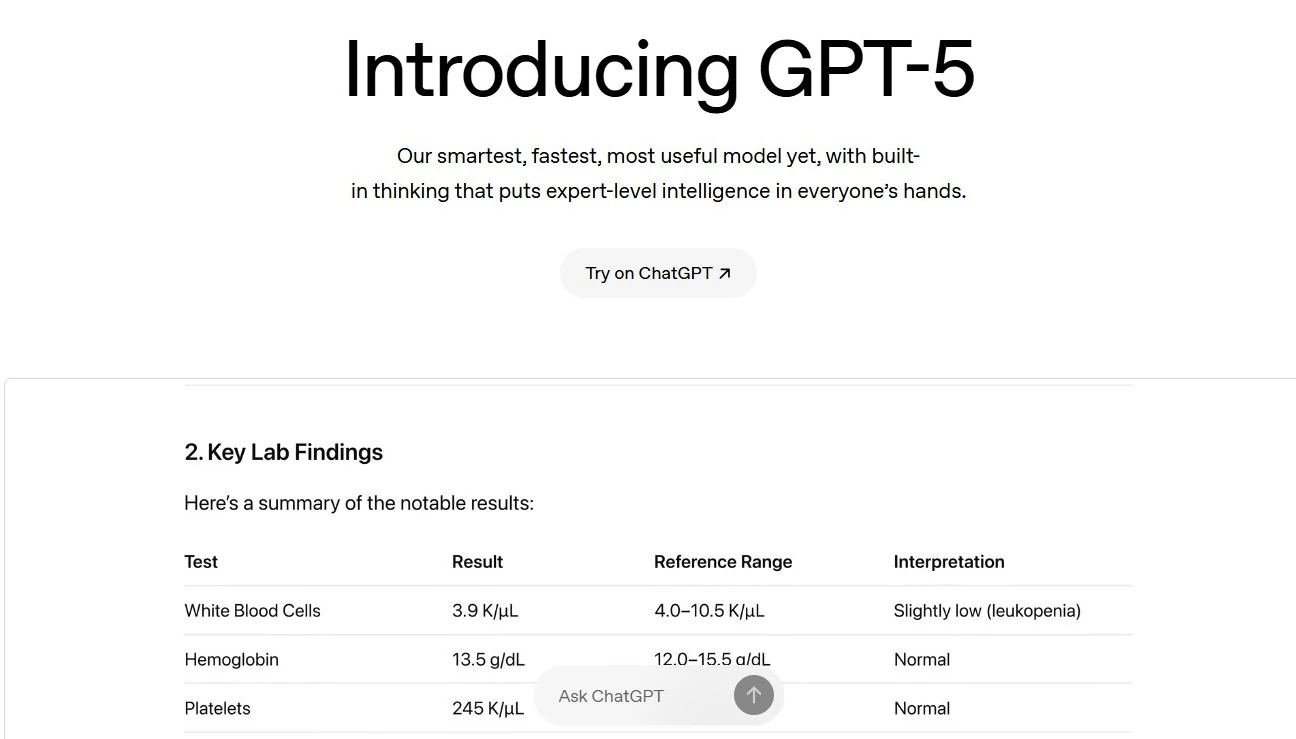
OpenAI has released GPT-5, a unified AI model with dynamic fast and deep reasoning, improved accuracy, SWE-bench coding upgrades, and 50% cheaper input pricing.
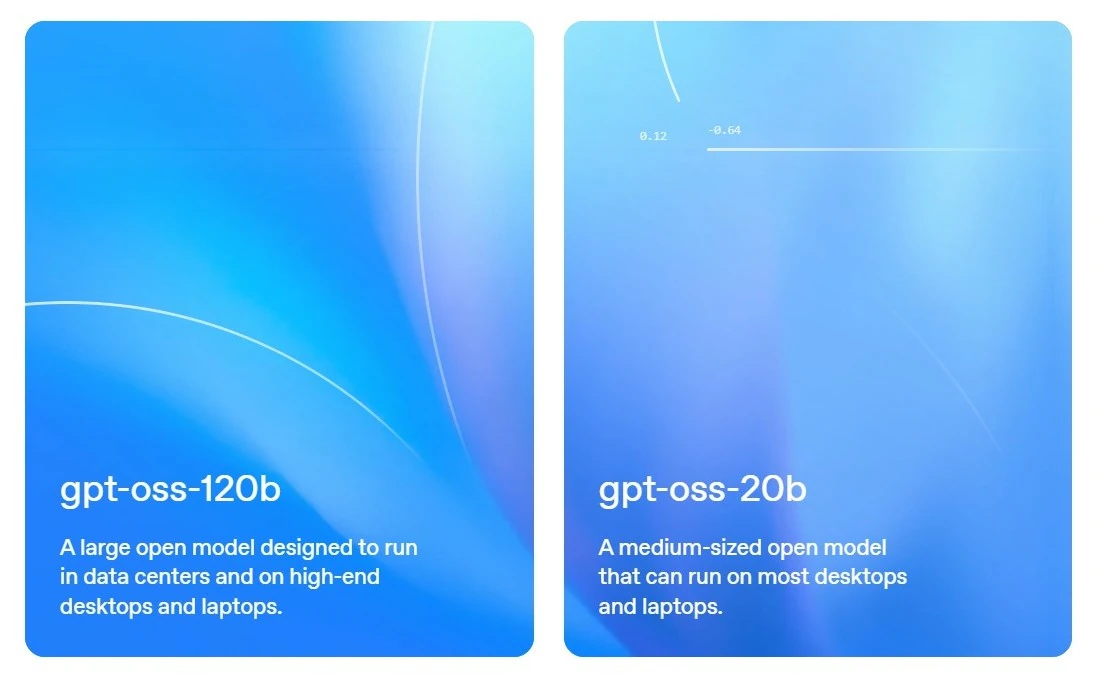
Explore OpenAI's GPT-OSS open-weight models. Learn about gpt-oss-120b & 20b, key features, Harmony response format, installation, and setup instructions.
Want to generate stunning AI art? Get 5 creative AI image prompt templates for ChatGPT and DALL-E 3, including 3D figurines, stickers, and comics.