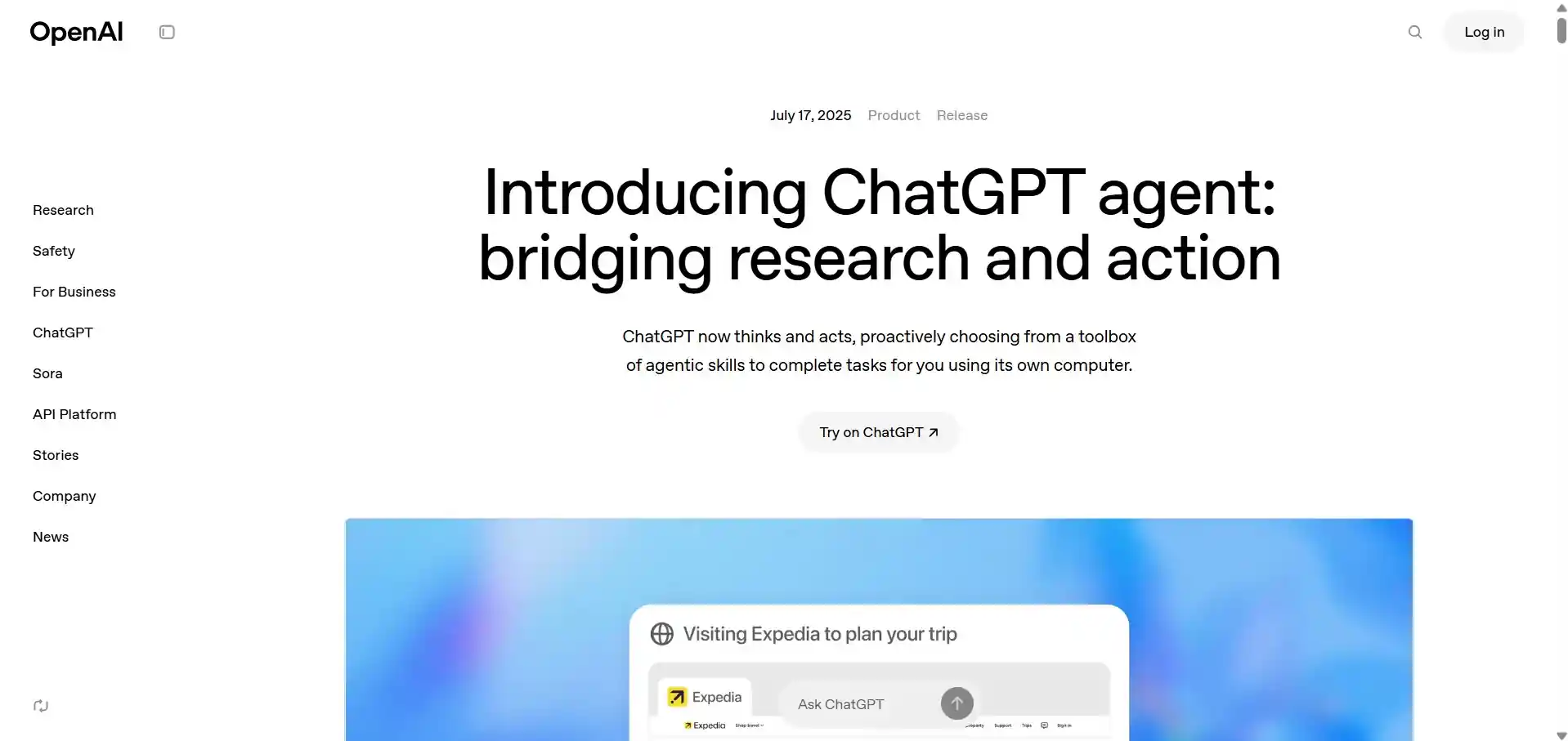
ChatGPT Agent is an autonomous AI agent developed by OpenAI that can plan, reason, and execute tasks on a user's behalf using its own virtual computer environment. Available to ChatGPT Pro, Plus, and Team users, the agent can proactively select and interact with web browsers, terminal commands, spreadsheets, and third-party apps to complete multi-step workflows.
Key Features and Use Cases of ChatGPT Agent
ChatGPT Agent takes productivity to a new level by combining tools like web browsing, a terminal, app integration, and document generation into a seamless workflow. Here are some key use cases:
Trip planning - It visits travel websites to compare flights and hotels, then creates and organizes your full itinerary. It can also sync travel details with your calendar and notify you when the plan is ready.
Run code in terminal - Execute code to process data and view results in real time.
Connect with your apps - Using ChatGPT connectors, the agent can access apps like Gmail and Google Calendar to retrieve emails, manage schedules, and make updates.
Create slideshows and spreadsheets - Compile online research or uploaded documents into well-structured presentations or spreadsheets, preserving formatting and extracting key points.
Performance in state-of-the-art (SOTA) benchmark is used to evaluate and measure ChatGPT Agent’s web browsing and real-world task completion capabilities. ChatGPT Agent has now achieved a new pass@1 SOTA score of 41.6 on Humanity’s Last Exam, due to its ability to plan and choose the most suitable tools to execute the same task using different methods across tests.
The Agentic Race: OpenAI vs. Google
OpenAI has showcased a wide range of use cases with ChatGPT Agent, while Google is also pushing the boundaries of AI productivity through its Google Search powered by Gemini 2.5 Pro. A competition is emerging between the two as they strive to become the user's preferred choice.
References